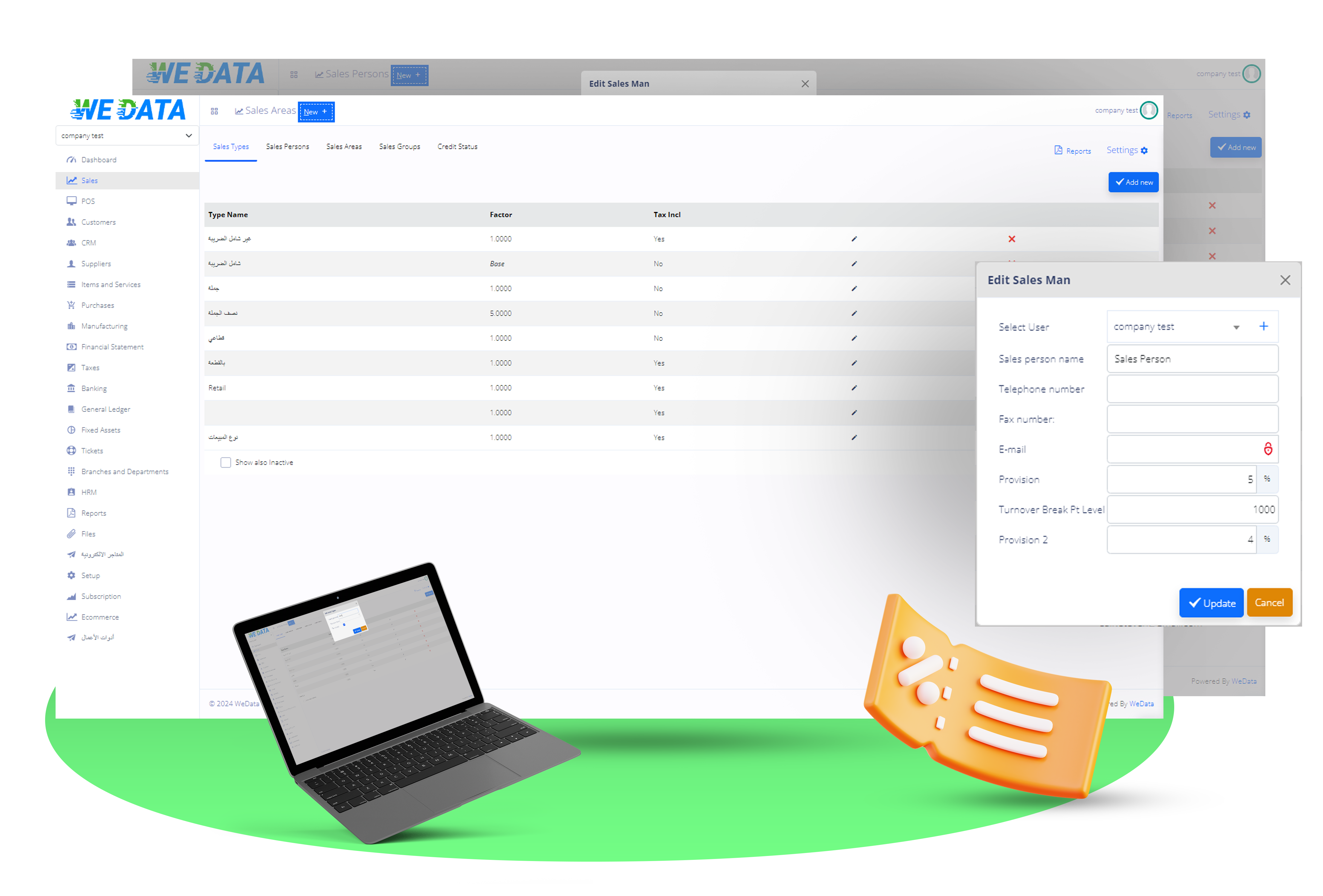
Customer Tracking Software

Make your client communications more effective by utilizing the Follow-Up feature in WEDATA ERP CRM. Create appointments for a variety of objectives with an intuitive system for managing appointments.

Client Follow-Up - Customer Tracking Software

Arrange Appointments For Clients

Maintain communication with devoted clients by creating their profiles in a single contact database with custom fields.
Client Follow-Up -   Arrange  Appointments For Clients

Organize Calendar For Appointments

To automate appointment creation and make it easier to share appointment details with clients, mark an appointment as recurring.
Client Follow-Up -   Organize  Calendar For Appointments

Create A Personalized Action List

Modify appointment activities to suit every need for client communication, then pick and choose with ease when setting up an appointment.
Client Follow-Up -   Create  A Personalized Action List

Assign Supervisory Personnel

A staff member should be designated to oversee a specific meeting and follow up with the assigned client.
Client Follow-Up -   Assign  Supervisory Personnel

Start With WeData Now!

Enjoy with Wedata’s and discover the comprehensive suite of tools and services.